Skip to content
-
Home
- /
- Franciscan At Home Registration...
Franciscan At Home Registration Instructions
To access this amazing content, you need to create your FREE account. Follow the instructions below:
- Visit the landing page for Diocese of Grand Rapids by clicking on this link: https://franciscanathome.com/diocese-grand-rapids
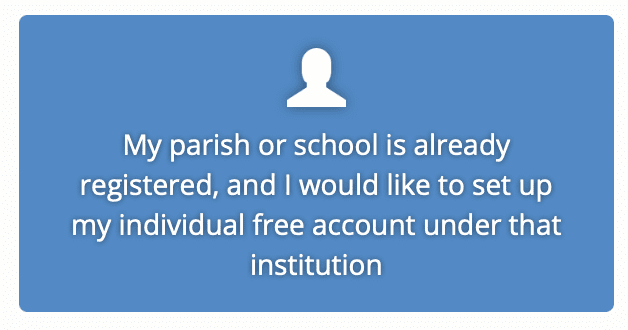
- Click the second blue button on the right side of the screen that says “My parish or school is already registered, and I would like to set up my individual free account under that institution”
- Click “create a new account”
- Enter your information into the required fields and select the green “Create new account” button at the bottom of the page (all fields with an * are required).
- Next, select the Diocese of Grand Rapids and your Our Lady of Consolation from the available drop-down list
- Click select the “Sign up.” This will take you to your dashboard, where you can begin exploring all that FranciscanAtHome.com has to offer